Spade Cash for iOS
The best Apple gaming experience for skill-based Spades tournaments
Download for iOSSpade Cash on iPhone & iPad
The Spade Cash App is optimized for the best Apple gaming experience. Download the Spade Cash App from the Apple App Store to play on your iPhone or iPad, with full support for both device types.
The current version includes support for iPhone and iPad, a 289 MB download size, support for 8 languages, and a 4.5 out of 5 star rating based on more than 5,200 reviews. Recent updates have fixed bugs and improved app performance.
Why Download for iOS?
iPhone & iPad Ready
Built and optimized specifically for the Apple gaming experience.
Secure Verified Accounts
Skillz-powered secure player verification and encrypted data transmission.
Smooth Performance
Fluid animations and fast loading, with regular bug fixes and improvements.
Skill-Based Tournaments
Free practice mode plus real cash tournaments for eligible players 18+.
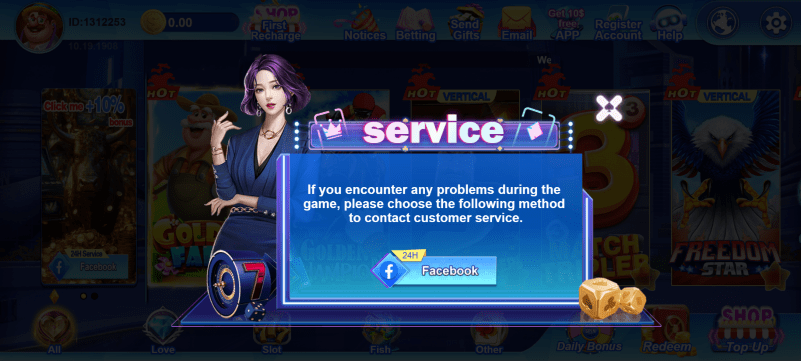
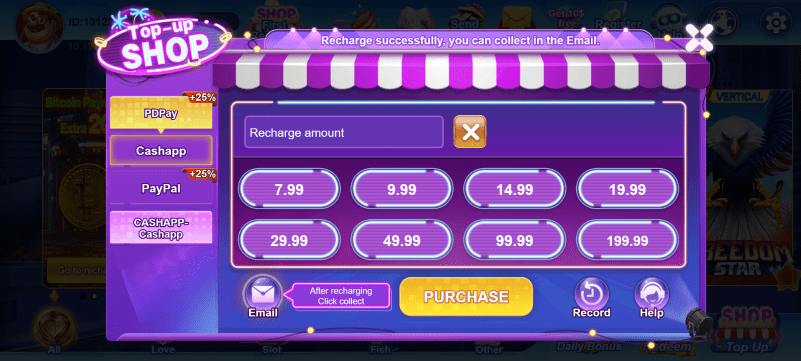
App Screenshots
See what Spade Cash looks like on iOS




How to Install on iOS
Tap Download for iOS
Tap the button above to open the Spade Cash App Store page.
Tap Get / Install
Confirm the install with your Apple ID, Face ID or Touch ID.
Open the App
Once installed, launch Spade Cash from your home screen.
Start Playing
Verify your account and start with free practice mode before entering tournaments.
Device Compatibility
iPhone
iPhone 8 and newer running iOS 13+
iPad
iPad Air, iPad mini, iPad Pro running iPadOS 13+